
S3Panel
S3Panel logo
S3 and Cloudflare R2 manager

Control huge S3 and R2 buckets without losing your workflow

S3Panel gives developers, agencies, and operations teams a modern web and macOS workspace for browsing, searching, transfer tracking, quick upload links, preview, metadata editing, and managing large object storage buckets.

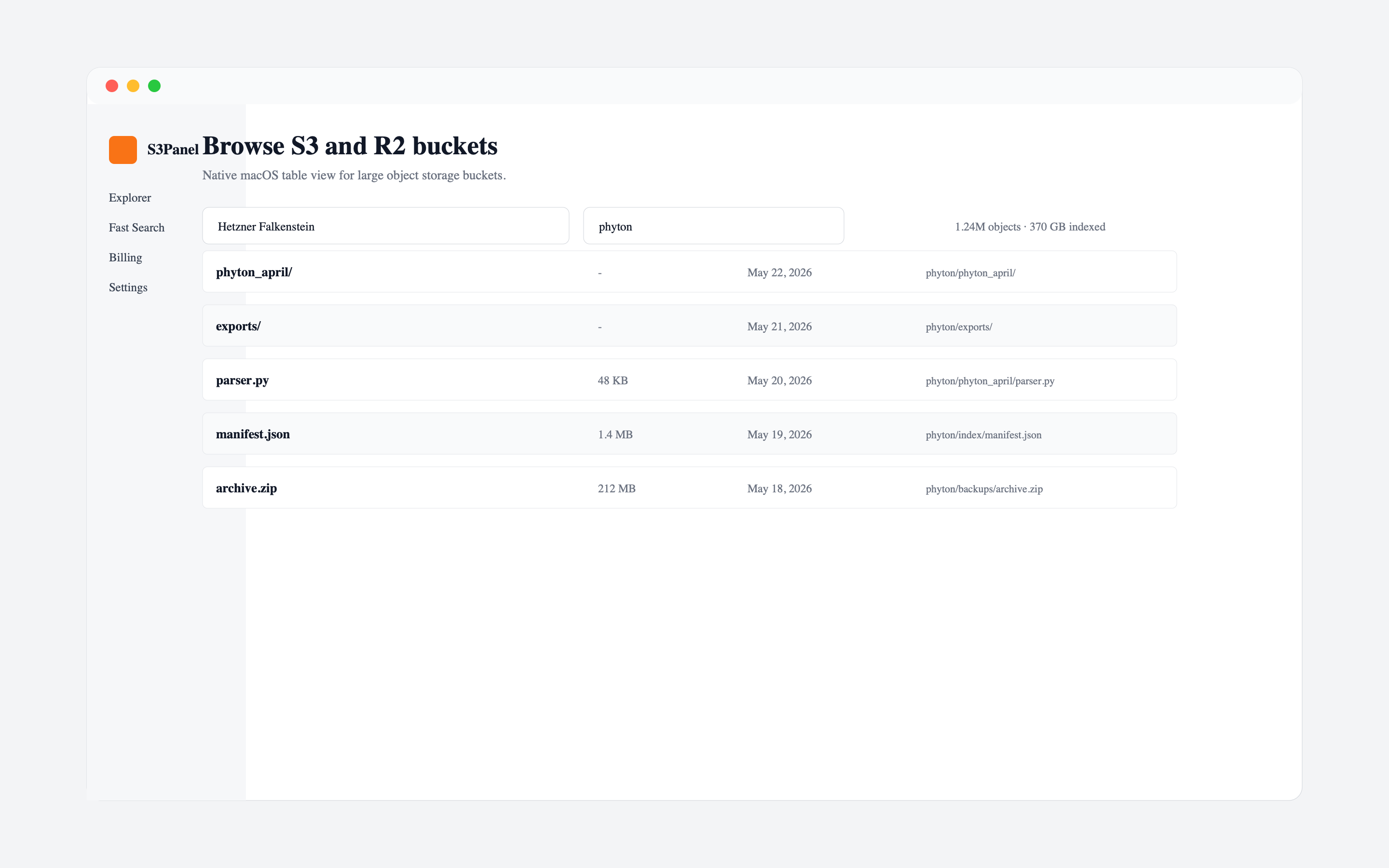
S3Panel object explorer for S3 and R2 buckets
storage providers

Connect the storage stack your team already trusts.

S3Panel uses familiar S3-compatible connection details, so teams can manage AWS S3, Cloudflare R2, and compatible object storage providers without moving files into a new storage system.

10+

providers

S3

compatible

0

file migration

Use dedicated provider credentials, keep permissions narrow, and switch between buckets from one focused S3Panel workspace.

Security model
features

The core pieces of daily S3 work.

Start with the workflows that matter most: browse objects, search large buckets, operate safely, track transfers, preview files, edit metadata, share private files, connect providers, and keep account controls clear.

Explorer01

Object explorer for large buckets

Browse buckets, prefixes, folders, and objects in a workspace made for S3-compatible storage instead of a generic file picker.

Search02

Manifest-backed search and folder stats

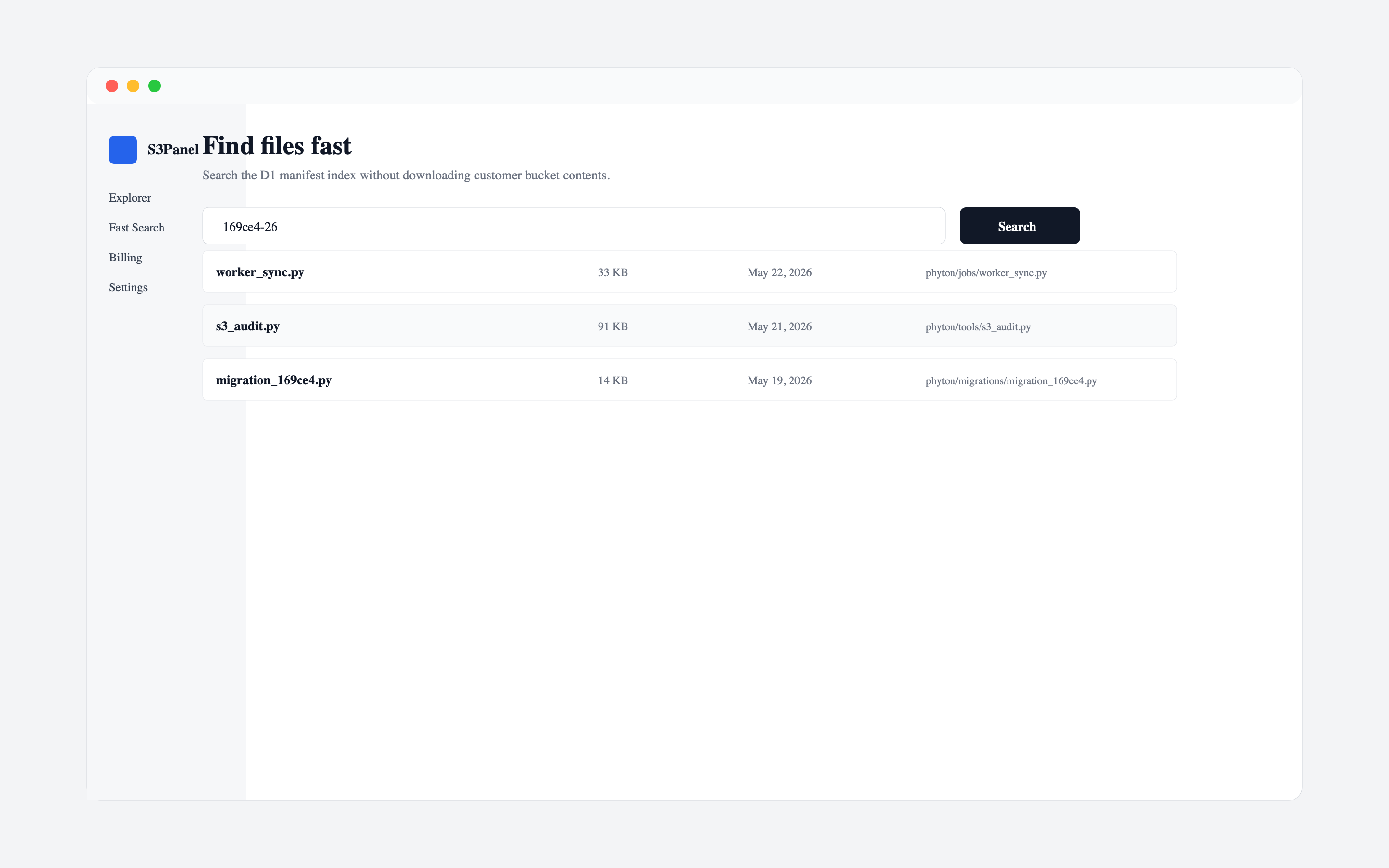
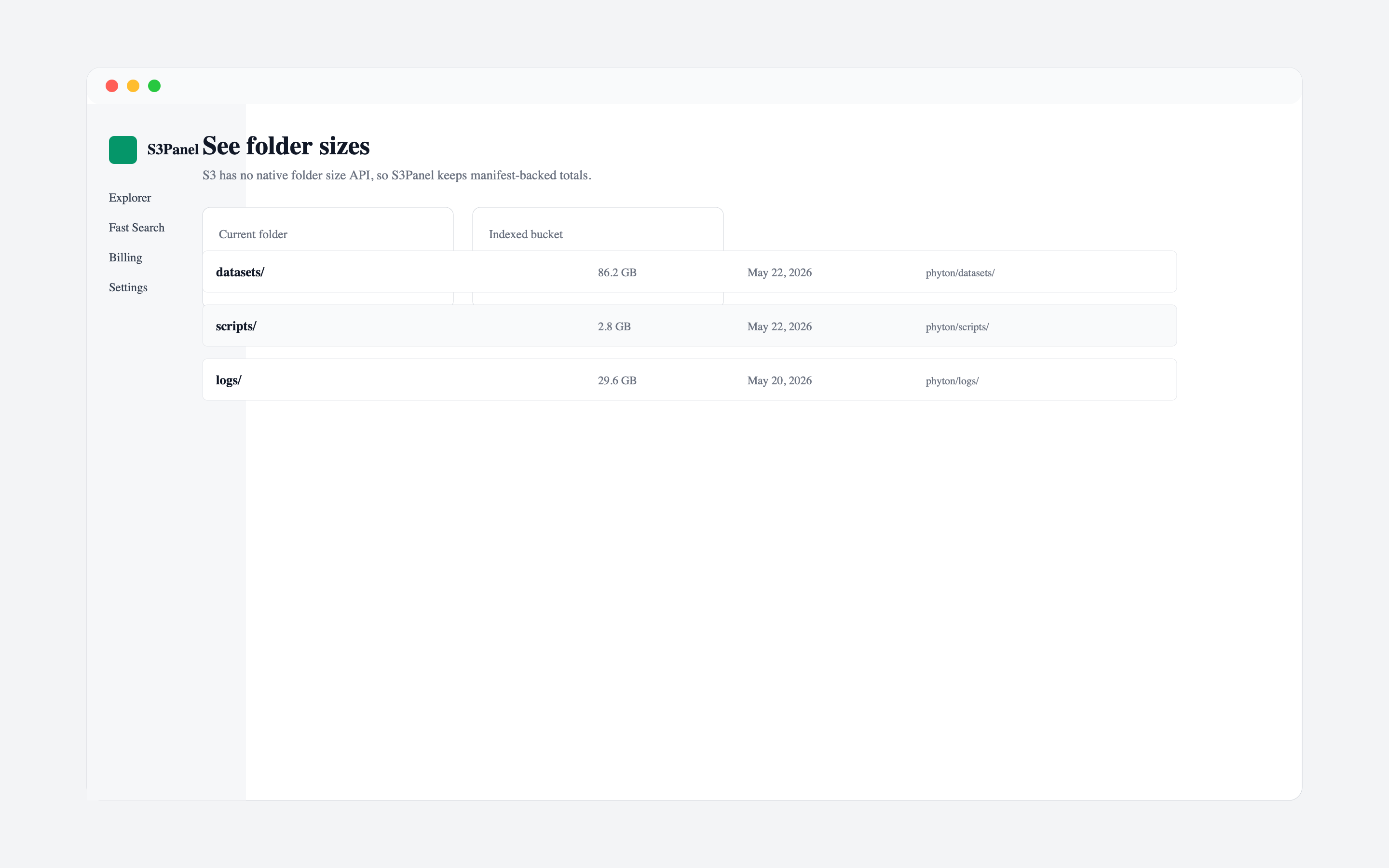
Create metadata manifests so repeated name, key, size, timestamp, and folder-total searches feel fast even in large buckets.

Operations03

Safe file operations with clear feedback

Run everyday storage actions with visible task states, permission-aware behavior, and fewer destructive surprises.

Sharing04

Private buckets, temporary links

Create, copy, review, and revoke presigned links while keeping the original bucket private.

Providers05

S3-compatible providers in one panel

Use AWS S3, Cloudflare R2, Hetzner, MinIO, Wasabi, Backblaze B2, DigitalOcean Spaces, and custom endpoints.

Security06

Security, audit, and account control

Keep customer objects in their own storage provider while S3Panel manages account data, encrypted connection metadata, audit events, and billing state.

Bucket admin07

Bucket policy, lifecycle, website, encryption, ACL, and versioning controls

Configure advanced S3 bucket settings from the same workspace used for object browsing and search.

Transfers08

Transfer Manager with scheduling, retry, pause, resume, and multipart options

Track uploads, downloads, archives, share links, and metadata tasks with progress, history, retry context, scheduling, bandwidth limits, and pause/resume controls.

Quick links09

Quick Upload and Get Link from the app or Mac menu bar

Upload a file and create a temporary share link in the same flow, including a native macOS menu bar Quick Upload entry.

Preview10

File Preview for common object types

Open selected images, documents, text files, and supported media from the storage workspace before downloading or sharing.

Metadata11

Object Metadata editor

Inspect and update content type, cache-control, and custom metadata for S3-compatible objects without leaving the workspace.

Sync12

Folder Sync Planner for local-to-bucket uploads

Scan a local folder, preserve relative paths, save schedule and Wi-Fi-only planning metadata, then manually upload selected files to S3/R2.

Shortcuts13

Shortcuts and App Intents for Apple workflows

Expose S3Panel actions to Apple system surfaces so macOS, iPhone, and iPad users can start parameterized storage workflows faster.

operations

Built for daily storage operations at SaaS scale.

Transfers

Transfer Manager with scheduling, retry, pause, resume, and multipart options

Large object storage work needs more feedback than a spinning button. S3Panel groups transfer and operation activity into a dedicated task center, and advanced uploads can use automatic or multipart mode, part-size tuning, retry limits, scheduled starts, bandwidth limits, server-side encryption, and SHA-256 checksum options.

Quick links

Quick Upload and Get Link from the app or Mac menu bar

For support teams, agencies, and operators, sharing one file quickly is often the whole job. S3Panel connects upload and presigned-link creation so a user can add an object to the right bucket and copy a temporary link without turning the bucket public. On macOS, the menu bar Quick Upload window keeps that workflow close even when the main window is not in front.

Preview

File Preview for common object types

S3Panel keeps preview close to object operations so users can confirm they have the right file before they download, rename, copy, or share it. Preview support is available across the web workspace and native Apple entry points where the file type can be opened safely.

Metadata

Object Metadata editor

Storage work often involves fixing how files behave after upload. S3Panel adds editable object properties so teams can correct content type, cache-control, and custom metadata directly from the explorer while keeping the original object in the connected provider.

security

Your buckets stay with your provider.

S3Panel stores account data, encrypted connection metadata, audit logs, and manifest records. It does not host customer bucket contents.

Use least-privilege credentials per connection.
Read-only keys can browse and search without write operations.
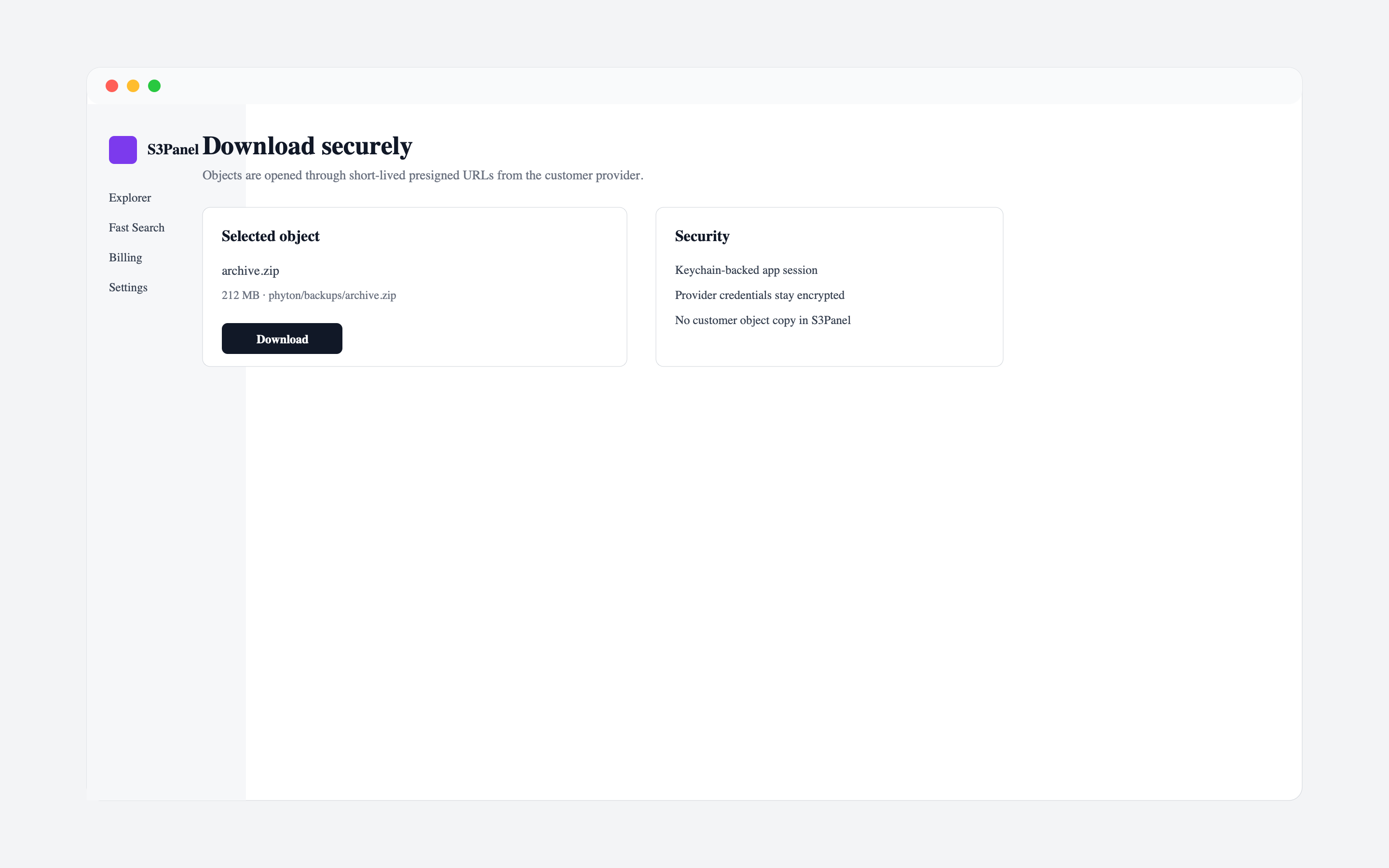
Downloads use temporary presigned URLs.
macOS sessions are stored in Keychain where supported.

One Pro plan with a 3-day trial.

Yearly

EUR 49.99

Best for teams using S3Panel all year.

Lifetime

EUR 99.99

One-time access for one account.

downloads

Download the live Apple apps or open S3Panel in the browser.

macOS, iPhone, and iPad are live on the App Store. Windows and Android are planned next, with the full platform status kept on the downloads page.