

App Store distribution01
Native apps distributed through Apple channels
The macOS, iPhone, and iPad apps are distributed through the App Store, so users install and update S3Panel through Apple review and Apple billing flows.
S3Panel works with sensitive S3 and Cloudflare R2 access keys, so the security model is intentionally visible: App Store distribution, native secure session storage, encrypted saved connections, private buckets, manifest metadata indexes, audit logs, and temporary share links.
S3Panel stores
Account data, encrypted saved connection metadata, session records, billing state, audit events, share-link records, and manifest/index metadata used for search and folder stats.
Your provider stores
Original bucket contents, object bytes, bucket policies, provider-side access logs, storage classes, lifecycle rules, and provider billing.
You control
IAM/API keys, bucket permissions, object lifecycle, credential rotation, public access settings, and whether a connection is read-only or write-enabled.
App Store
Apple-distributed native apps
Keychain
Mac native session storage
No file copy
Files stay in your bucket
Audit logs
Review important actions
S3Panel does not ask users to blindly hand over powerful keys. It explains where access is stored, which data is indexed, and how private sharing works.
The macOS, iPhone, and iPad apps are distributed through the App Store, so users install and update S3Panel through Apple review and Apple billing flows.
The Mac app stores the native S3Panel session token in macOS Keychain where supported. Storage provider secret keys are handled as encrypted saved connection data on the S3Panel backend.
S3Panel is a control surface. Your S3, R2, MinIO, Wasabi, or B2 object bytes remain in the provider you connected unless you explicitly upload, download, copy, move, zip, unzip, or share a selected object.
Large-bucket search and folder sizes are based on object keys, sizes, timestamps, and manifest/index records. The index is designed for discovery and stats, not for hosting full customer file contents.
S3Panel records operational events such as uploads, metadata updates, bucket admin changes, and share-link actions so teams can see what happened around important file work.
Presigned links help teams share one object for a limited time without opening the whole bucket or changing provider-side public access settings.
Create provider-side credentials specifically for S3Panel. Keep read-only, write, and admin-style access separated so the app can only perform the operations your team expects.
Use a dedicated S3/R2 credential for S3Panel instead of root or account-wide admin keys.
Start with read-only access when teammates only need browse, search, preview, and download workflows.
Scope write credentials to the exact buckets or prefixes that need uploads, metadata edits, copy, move, or delete actions.
Rotate provider credentials immediately if a key may have been exposed outside your team.
Never send S3 secret keys, R2 tokens, or provider API credentials through support email or contact forms.
Delete a saved connection in S3Panel and rotate the provider key when access should end.
S3Panel is designed for private operational buckets. Users find objects through a manifest-backed index, then share selected files with temporary links instead of changing bucket-level public access.
Browse
Open buckets and prefixes through the credentials you configured.
Search
Use manifest-backed search across object keys and metadata.
Operate
Upload, download, metadata edit, copy, move, zip, unzip, or delete only when credentials allow it.
Audit
Review important storage operations and share-link actions.
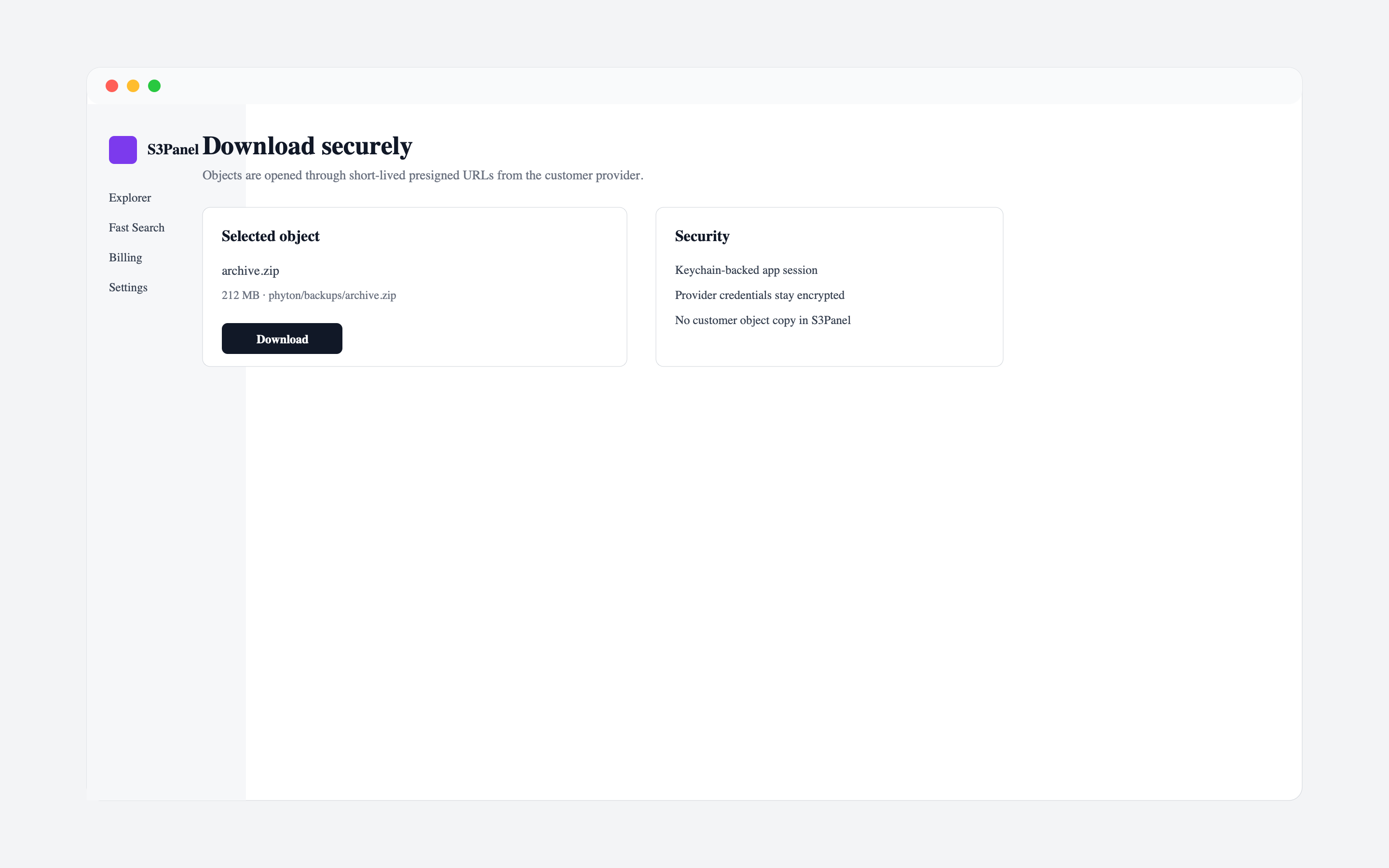
The public privacy pages explain account data, saved connections, manifest records, App Store purchases, account deletion, and the customer file boundary.
No. S3Panel does not host customer bucket contents as its own file library. Object contents stay in the connected storage provider unless a user explicitly performs an operation such as upload, download, copy, move, zip, unzip, or share.
The manifest index is based on object metadata such as keys, sizes, timestamps, folder-like prefixes, and search records. It is used for object discovery, folder stats, and large-bucket workflows.
Create dedicated least-privilege credentials in your storage provider. Use read-only credentials where possible and grant write or admin permissions only for the workflows that need them.
The macOS app stores the native S3Panel session token in macOS Keychain where supported. Saved storage connection secrets are encrypted as backend connection data and are not returned to the browser after save.
Yes. S3Panel supports temporary presigned URLs for selected objects so teams can share files while keeping bucket-level public access disabled.