

Use S3Panel on the web, Mac, iPhone, and iPad.
The web app, macOS app, and iOS/iPadOS app are live now. Windows and Android are planned next. Live Apple and web versions share the same S3Panel direction: transfer tracking, quick upload links, preview, metadata editing, and secure storage operations.
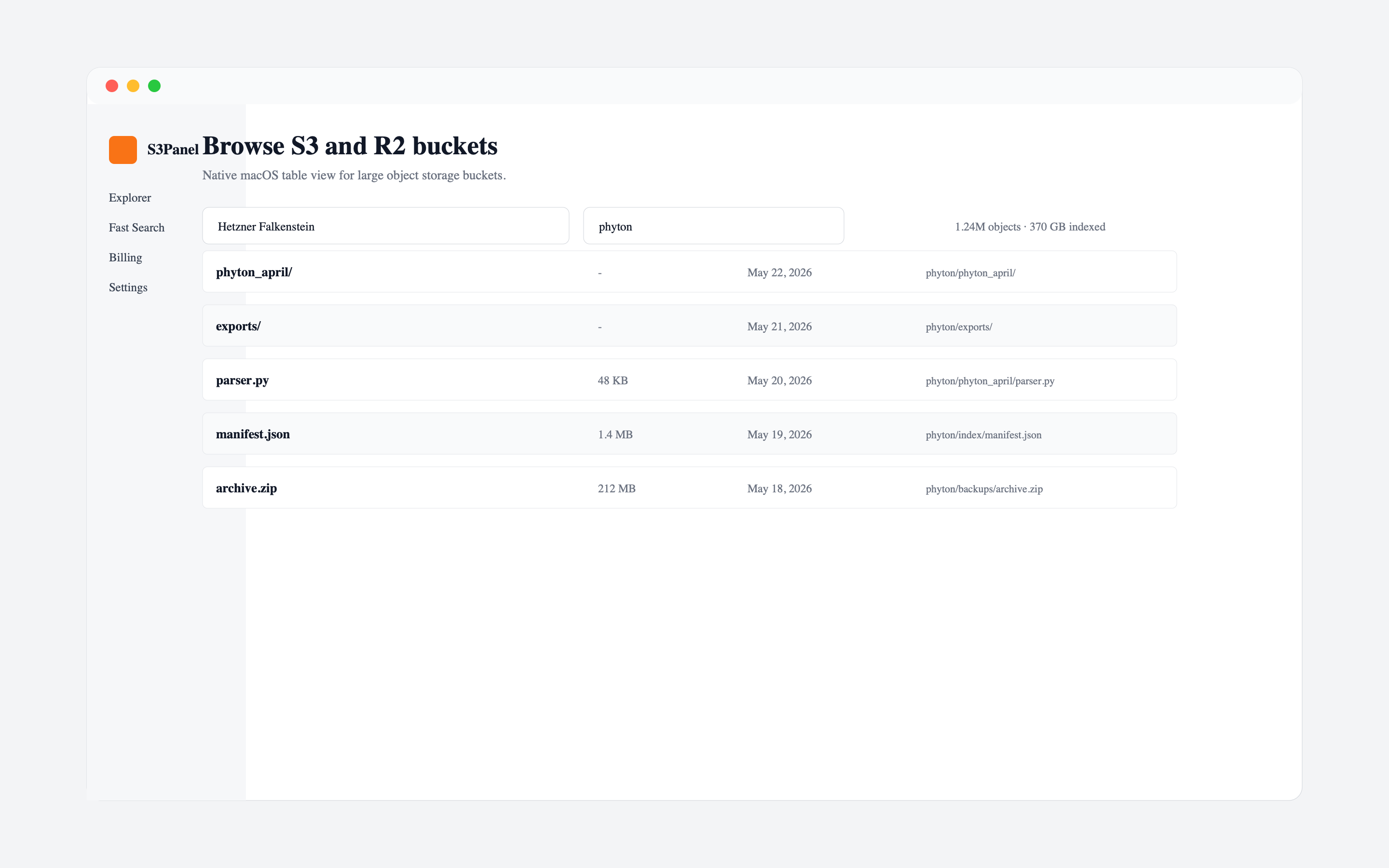
Download the live apps, or use S3Panel in your browser.
App Store updates are handled by Apple. The browser version remains the fastest way to try the newest transfer, preview, sharing, and metadata workflows without installing anything.
Web App
Open S3Panel directly in the browser for S3-compatible and Cloudflare R2 bucket work.
Open web appmacOS
Install the native Mac app for a focused desktop workspace with App Store updates.
Download for MaciPhone and iPad
Use S3Panel on iPhone and iPad when you need to inspect buckets away from the desk.
Get iOS appWindows
A Windows build is planned after the live web, macOS, and iOS releases settle.
PlannedAndroid
Android support is planned next so more teams can reach S3Panel from mobile devices.
PlannedmacOS and iOS are both live under one S3Panel listing.
The App Store page is the right destination for Mac, iPhone, and iPad users. It keeps installs, updates, subscription handling, and native Apple workflow entry points inside Apple's system.
Web App
Best for immediate access from any modern desktop browser.
macOS
Best for Mac users who want a native desktop entry point with transfer history and quick links.
iPhone and iPad
Best for checking buckets, previews, metadata, and share links while away from the desk.