
Cloudflare R2
Mac
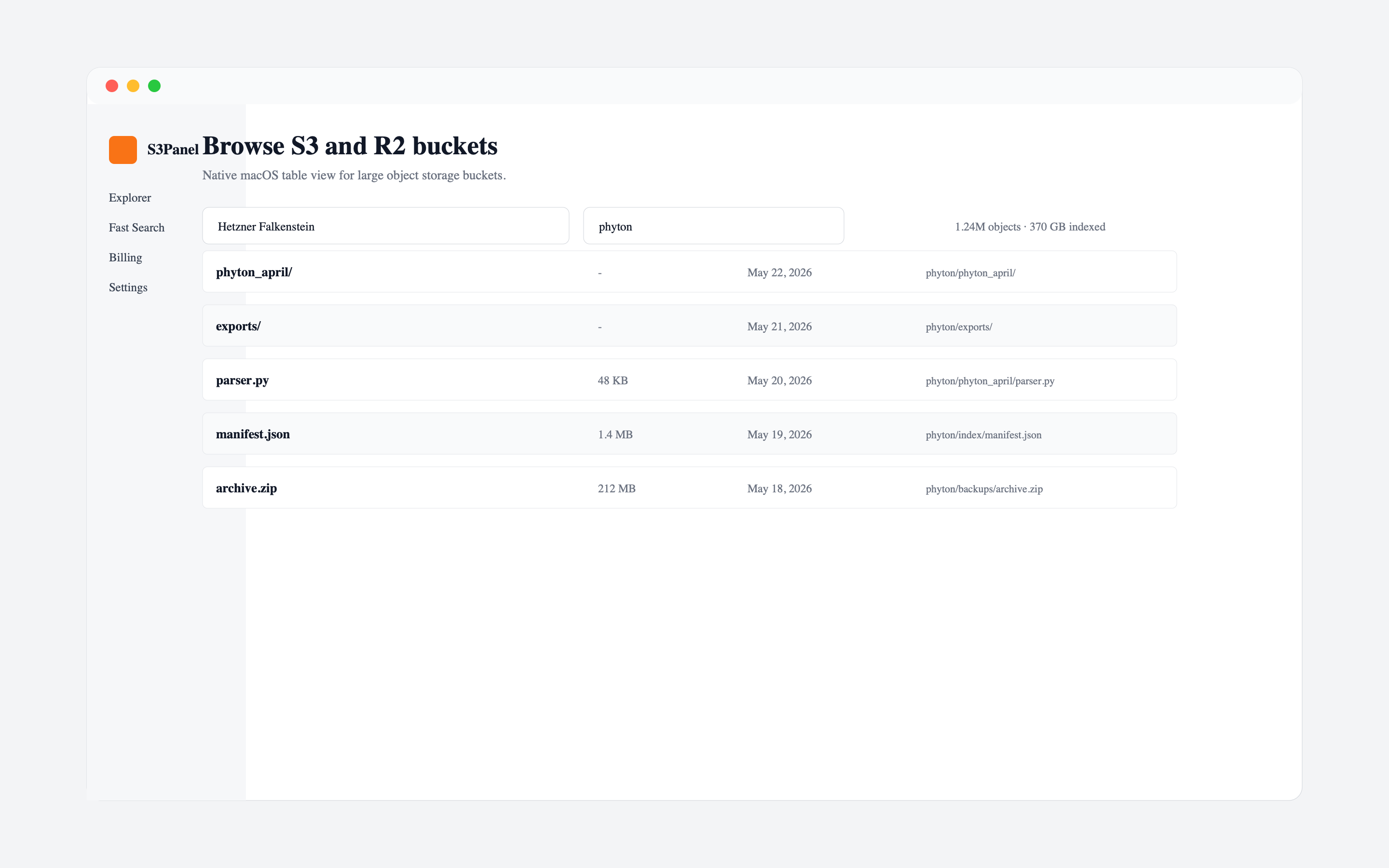
A good S3 client for macOS should match the job. Some tools are file transfer clients. Some mount cloud storage as a local drive. Some are command-line tools. S3Panel is different: it is a focused S3-compatible operations workspace for browsing, search, sharing, preview, metadata, transfers, and bucket administration.
The best choice depends on how your team works.
Apps like Transmit and Cyberduck are mature choices when you need broad protocol support. They are useful when the same tool must handle FTP, SFTP, WebDAV, S3, and other services.
This is a strong fit when:
Apps like CloudMounter focus on mounting storage as a local disk. This can be convenient when the user wants Finder-style access.
This is a strong fit when:
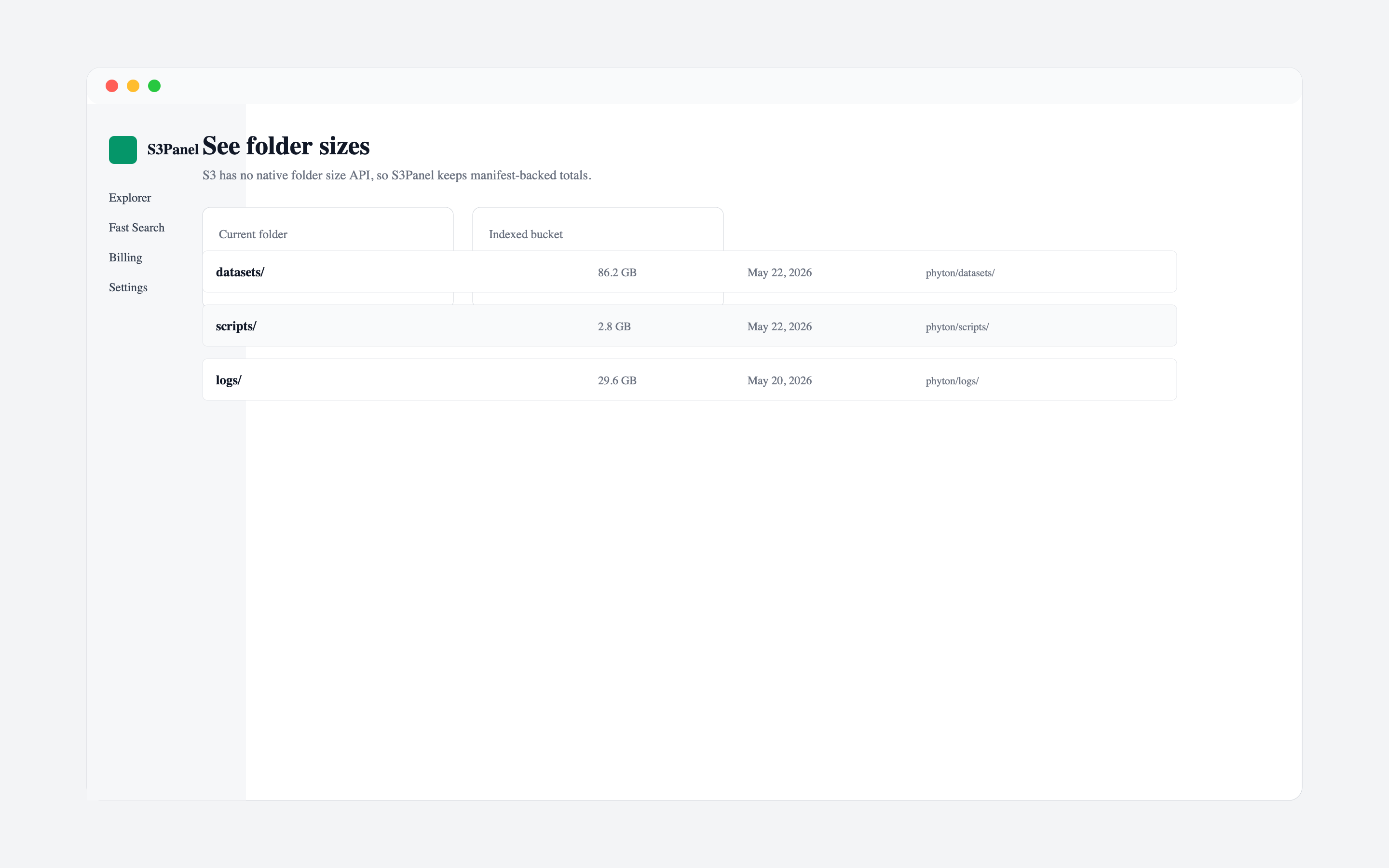
S3Panel is best when your team needs to understand and operate buckets directly. It focuses on object search, folder size insight, temporary links, metadata, audit, transfer history, and S3-compatible providers like Cloudflare R2, Wasabi, MinIO, and Backblaze B2.
This is a strong fit when:
Whichever tool you choose, use narrow credentials, avoid sharing secret keys, and keep destructive actions behind permissions. A Mac S3 client should make private bucket work easier without encouraging public bucket access.
Use a broad transfer client when protocol variety matters. Use a mount tool when Finder is the main interface. Use S3Panel when you want a modern operations panel for S3-compatible storage across web, macOS, iPhone, and iPad.
Continue with practical S3Panel guides for object storage teams.