
macOS
S3 Client

Wasabi is often chosen for predictable object storage pricing and S3-compatible workflows. But even when pricing is simpler, teams still need to know what is inside their buckets, which folders are growing, and which files are being shared or transferred.
That is where a focused S3-compatible client helps.
Use prefixes that match the business workflow. For example:
clients/acme/exports/media/approved/backups/monthly/archive/2026/Clear prefixes make search, stats, and cleanup easier.
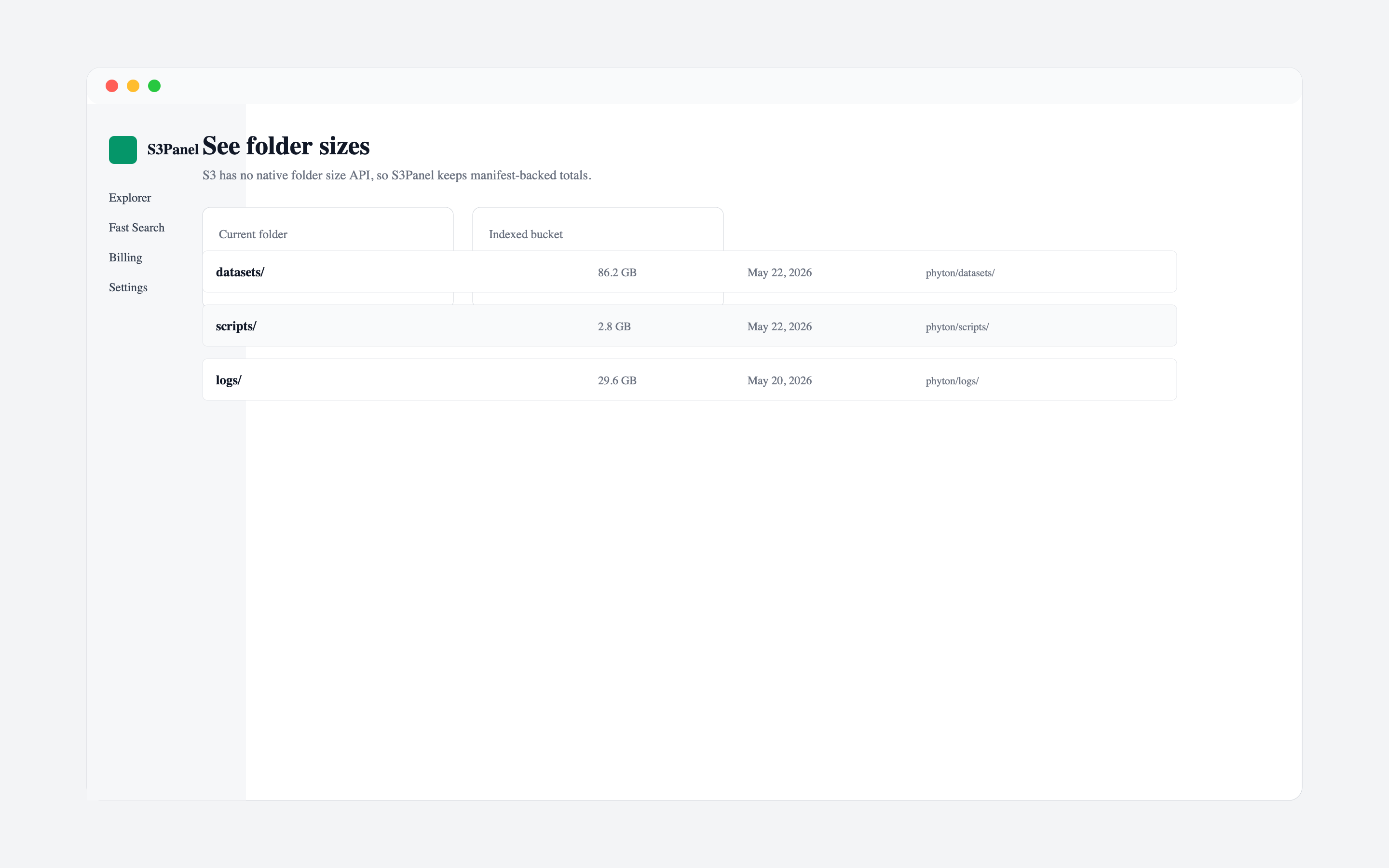
Folder size is not a native folder property in object storage. A tool has to calculate it from object metadata. S3Panel helps by showing folder object counts and size totals so large paths are easier to understand before you transfer or clean them.
This is useful when a customer folder grows faster than expected or when archives need review.
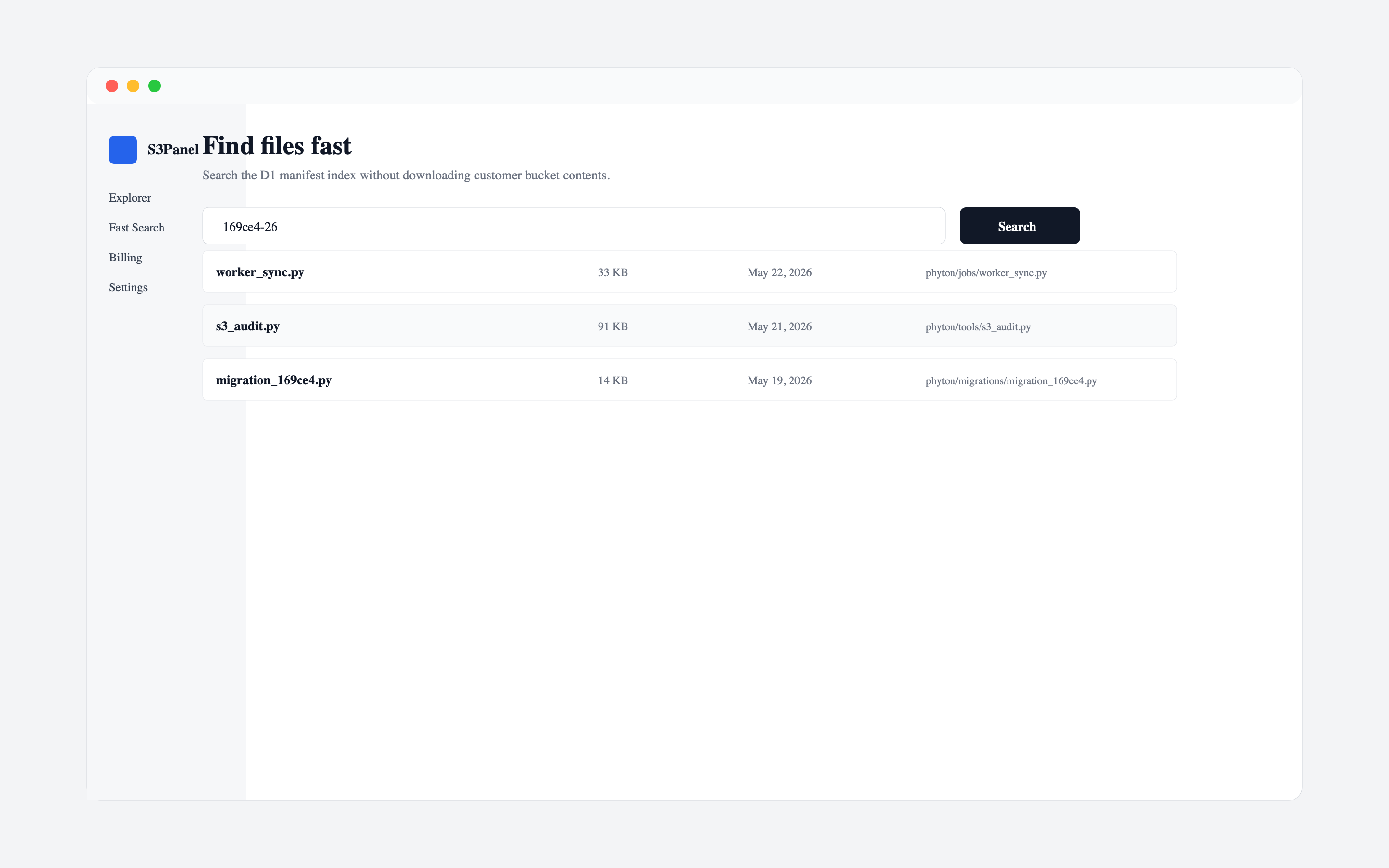
Before deleting or moving old files, search by extension, date pattern, project name, or customer ID. This helps avoid accidental cleanup of active files.
For cost control, search is often more useful than broad manual browsing.
If you need to share Wasabi-hosted files, use temporary links for selected objects. Keep buckets private unless they are intentionally designed for public distribution.
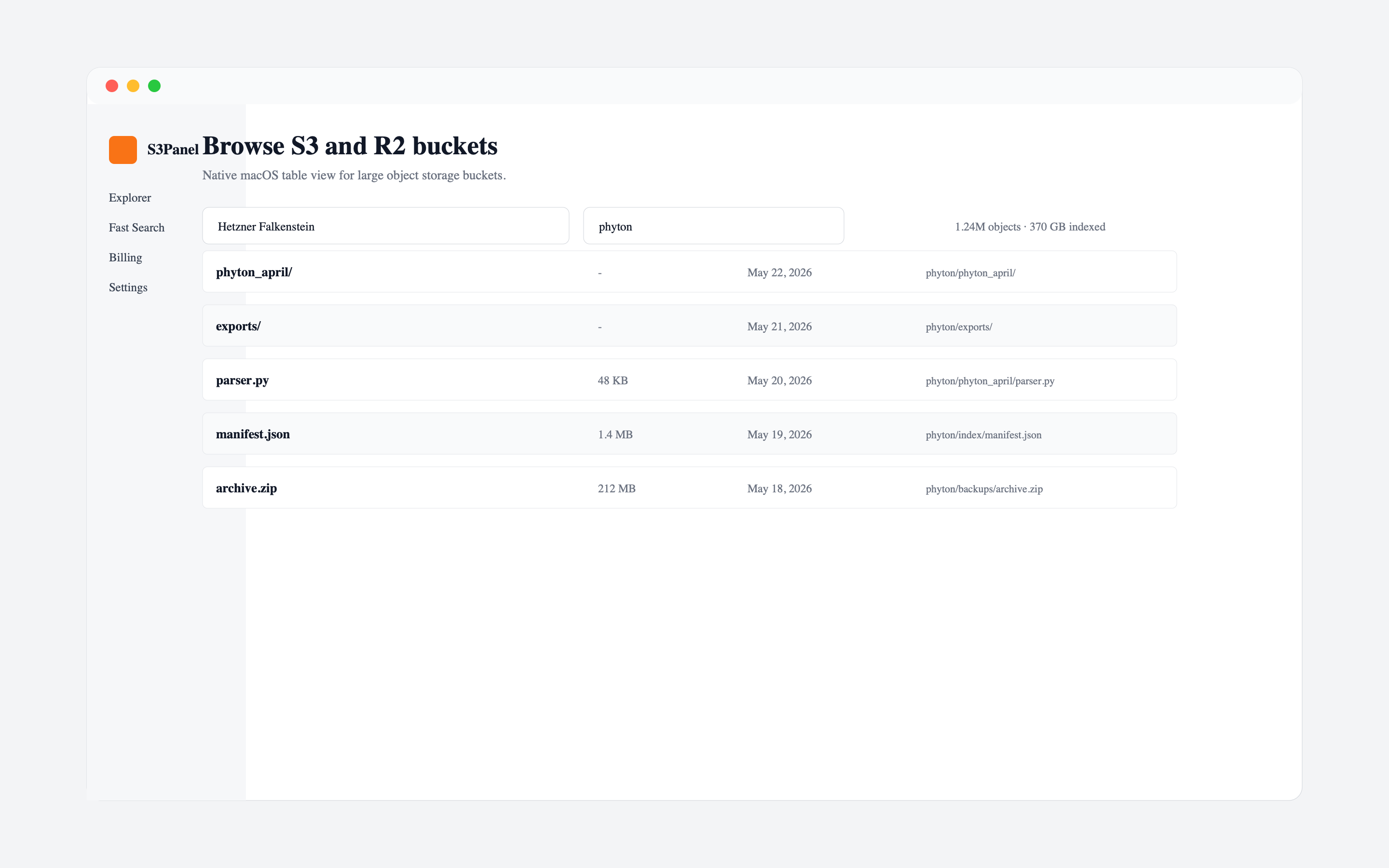
S3Panel gives Wasabi users a visual workspace for S3-compatible browsing, search, stats, metadata, transfers, and secure links. It is especially useful when teams need a shared mental model of what is inside large buckets.
Continue with practical S3Panel guides for object storage teams.