
Media Storage
R2
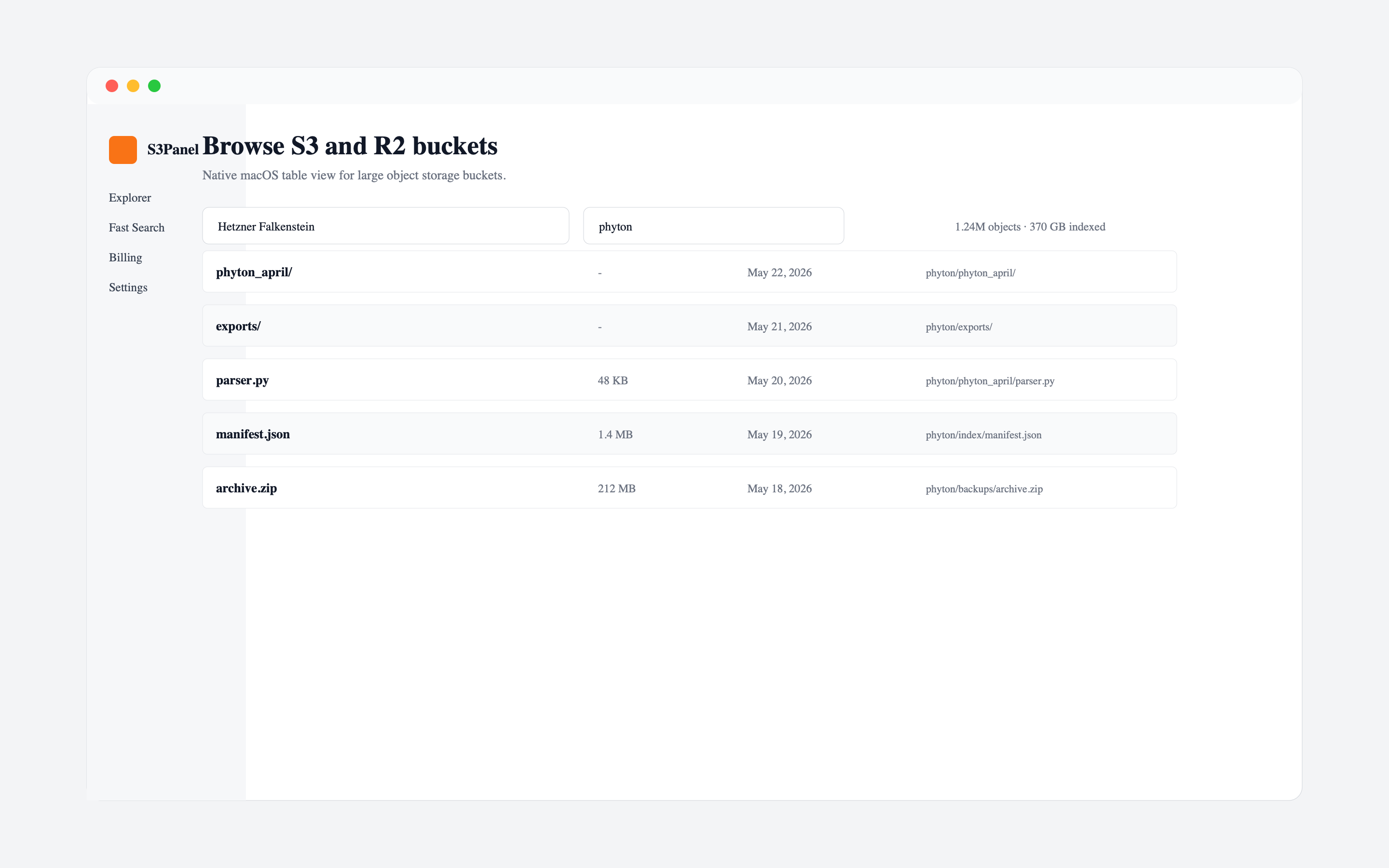
S3-compatible storage is excellent for durable object storage, but it is not a local filesystem. Folders are usually prefixes, and object listings are paginated. When a bucket grows to hundreds of thousands of objects, manually browsing folders becomes a poor search strategy.
The problem is not that S3 is broken. The problem is that object storage is optimized for key-based access, not exploratory file discovery.
Search becomes easier when object keys contain useful structure. Good keys include dates, customer IDs, project names, or file categories. Weak keys contain random names without predictable prefixes.
Examples of useful patterns:
customers/1234/exports/2026-06/report.csvmedia/client-a/final/video-1080p.mp4backups/prod/2026/06/08/archive.zipIf your bucket already has messy keys, search tooling becomes even more important.
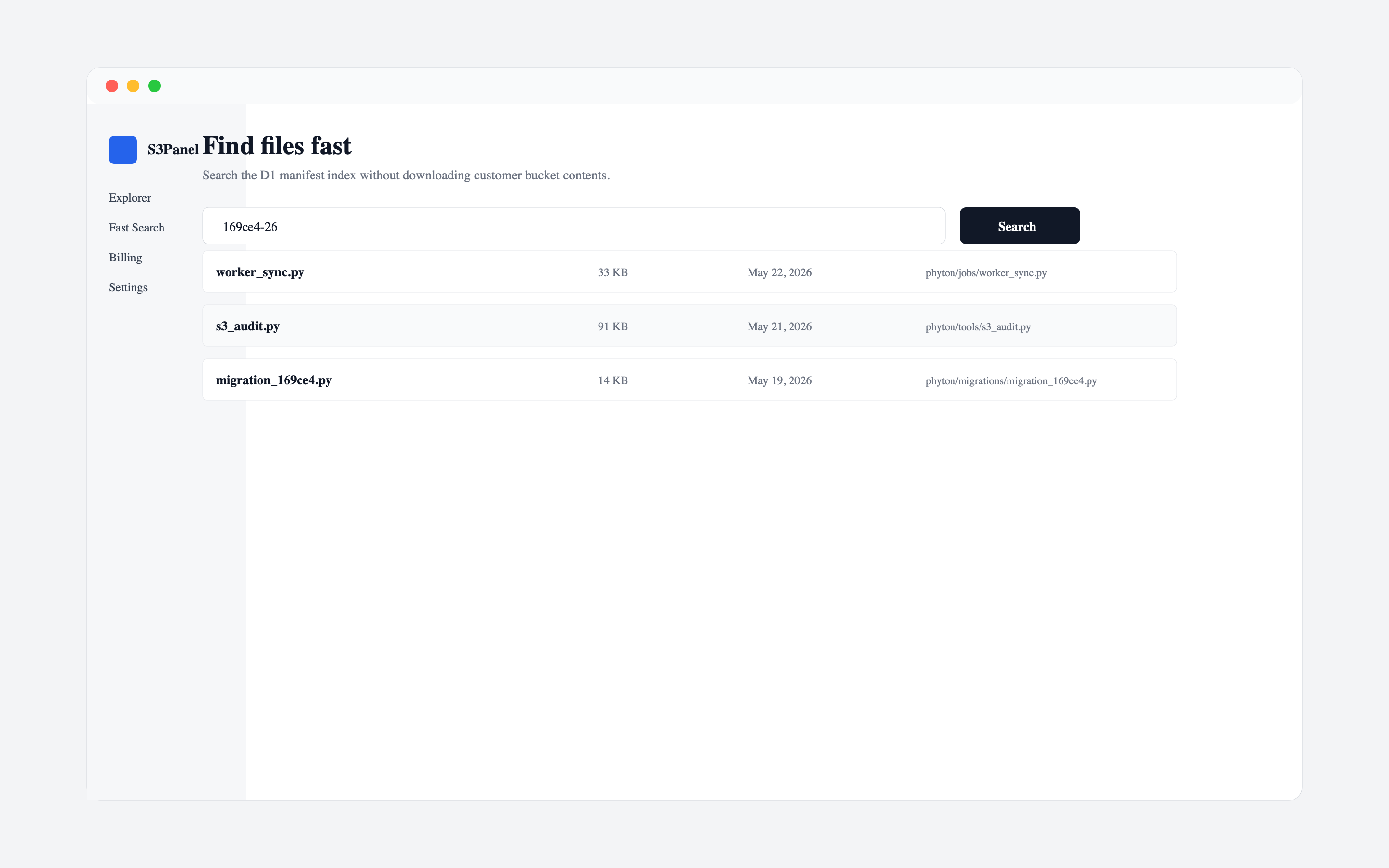
S3Panel is designed around manifest-backed object search. Instead of relying only on manual folder browsing, S3Panel can work from indexed object metadata so you can search by name, extension, prefix, or known string.
This helps when you remember only part of a file name or when the file is buried inside a large prefix.
Before downloading a large folder or moving objects, search for representative keys and confirm the path. This reduces mistakes like downloading the wrong export, sharing a stale version, or moving the wrong prefix.
For media teams, search by file extension and project name. For SaaS teams, search by customer ID, invoice number, date, or export identifier.
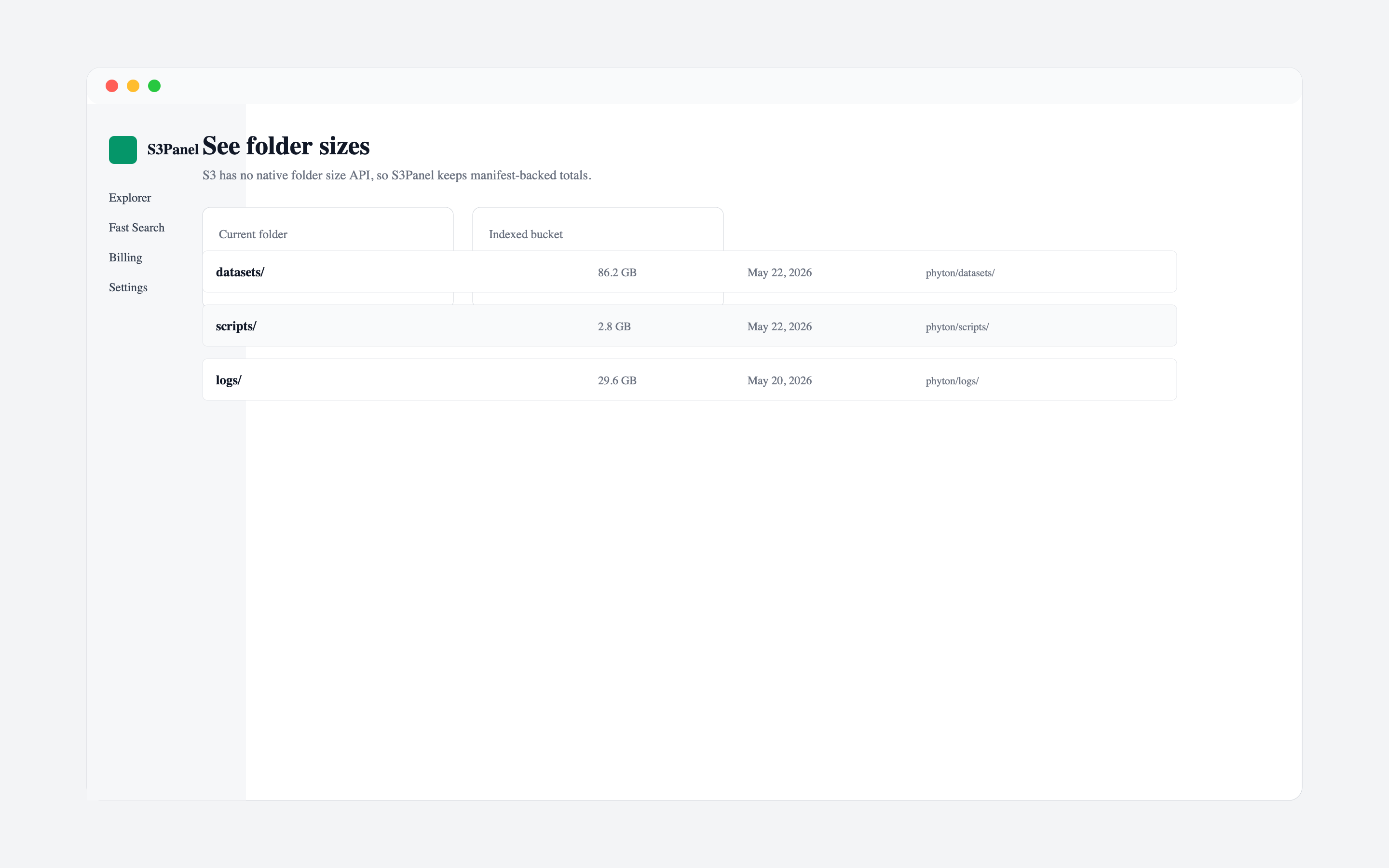
Search tells you where a file is. Folder stats tell you how large a path is before you act on it. That is important when a prefix contains thousands of files or many gigabytes.
Use folder stats before:
If your bucket changes often, rebuild or refresh the search index when you expect new files to appear. For operations teams, this is useful after nightly exports, media uploads, backup jobs, or migration scripts.
S3Panel is not trying to turn S3 into a local disk. It gives you a focused way to search, inspect, and operate large buckets without guessing where objects live.
Continue with practical S3Panel guides for object storage teams.