
Media Storage
R2
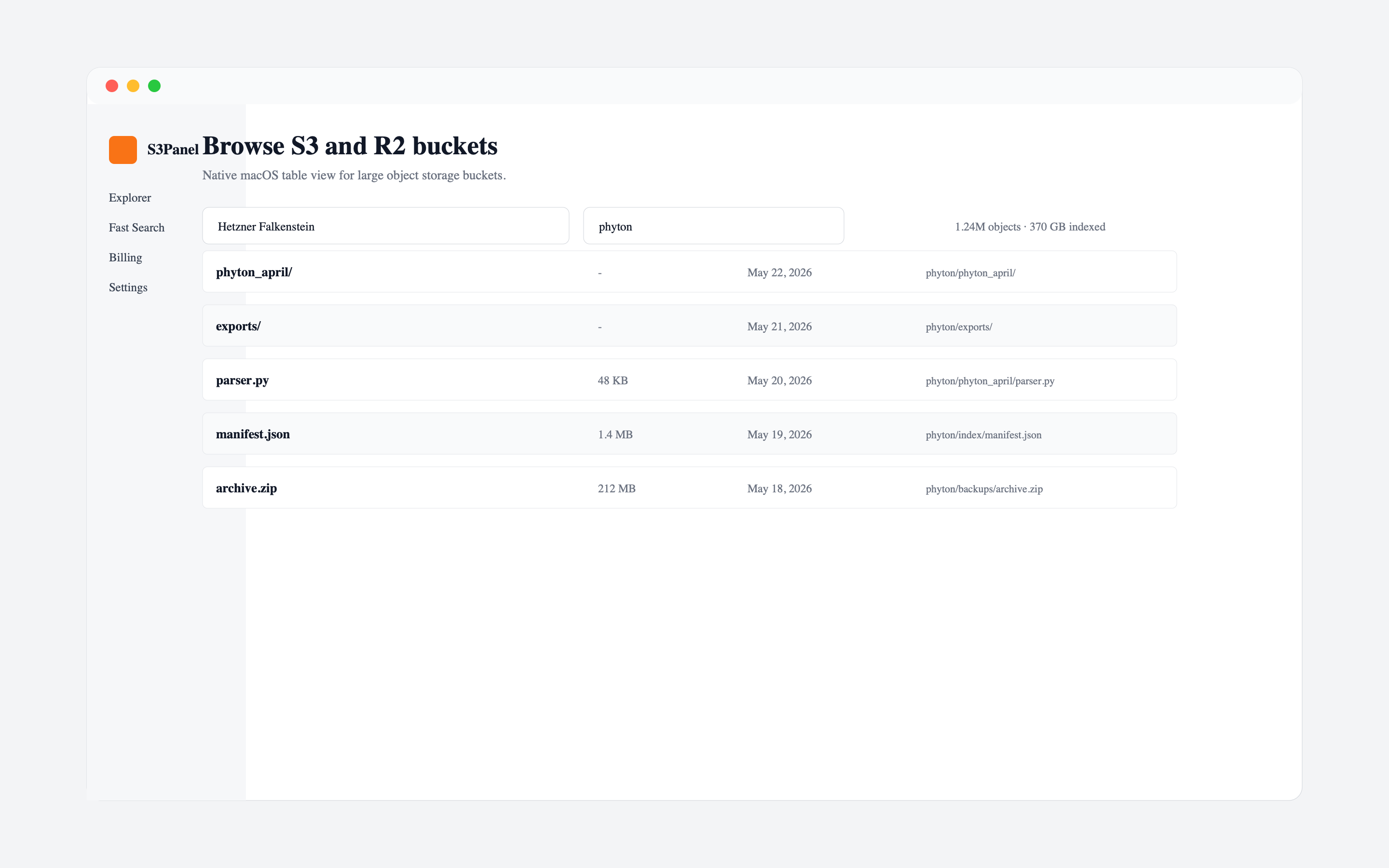
Backblaze B2 supports S3-compatible workflows, which means many S3 tools can connect with the right endpoint, key ID, application key, region, and bucket name. This is useful when your team wants lower-cost object storage while keeping familiar S3-style operations.
In S3Panel, add B2 as an S3-compatible provider and confirm the endpoint and region before saving the connection.
Create application keys with the minimum permissions needed. A read-only workflow should not have delete permission. A share-link workflow should not need broad account access. Narrow permissions reduce the risk of mistakes.
This is especially important for backup and archive buckets.
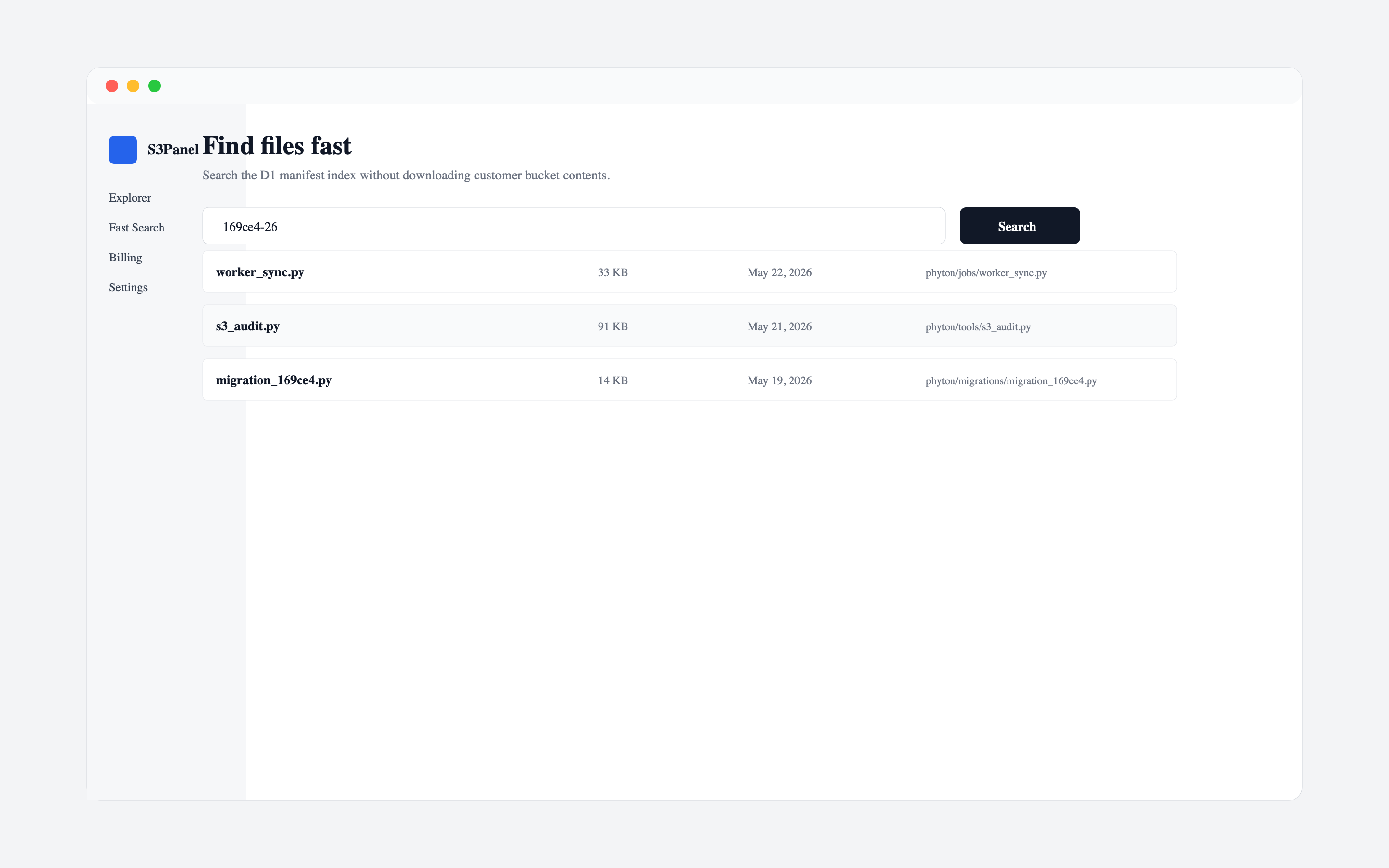
B2 is often used for archives, backups, media, and customer file storage. These buckets can become very large. Use object search to find known keys, dates, customer IDs, or file extensions instead of clicking through prefixes manually.
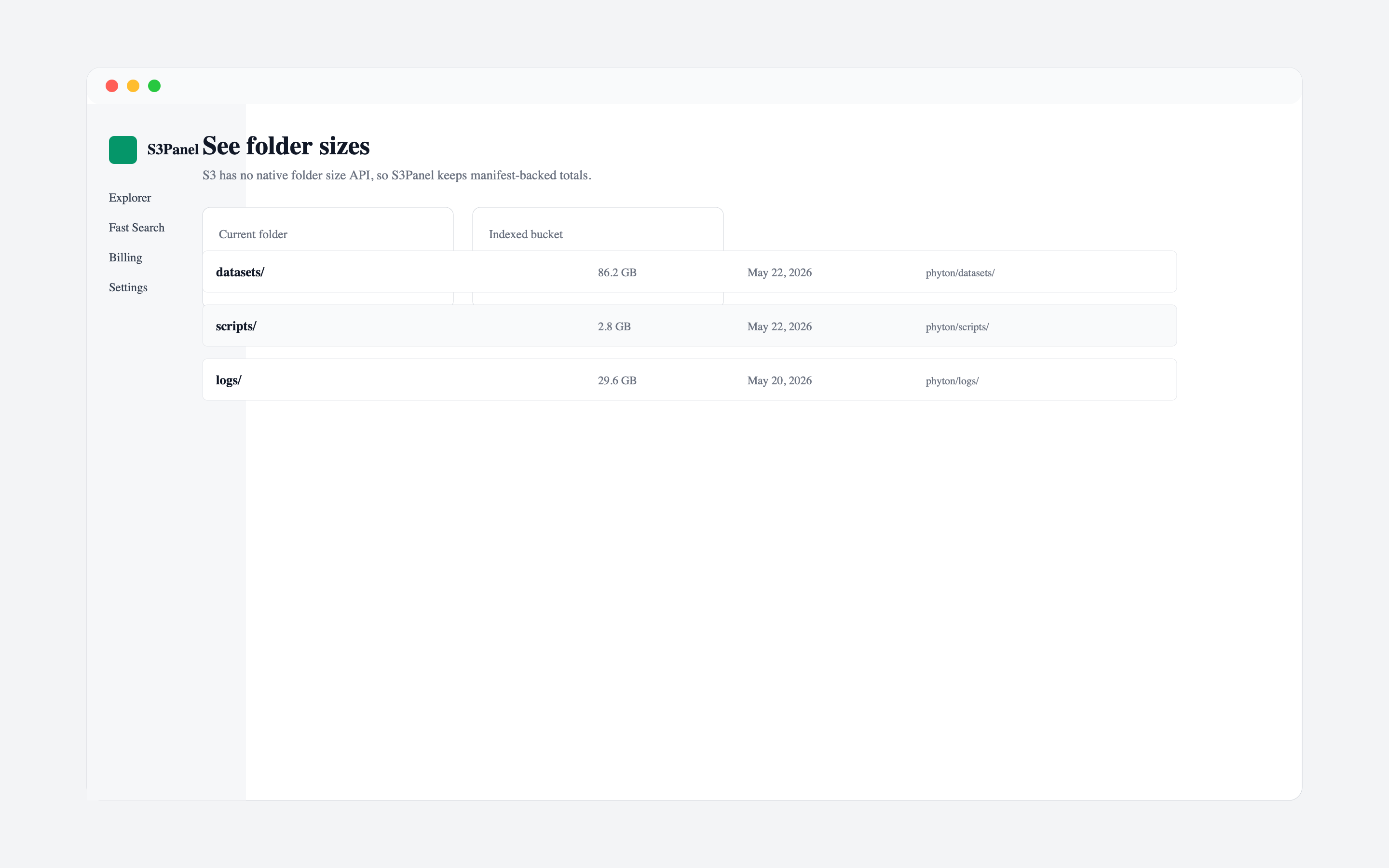
Pair search with folder stats before downloading or moving large paths.
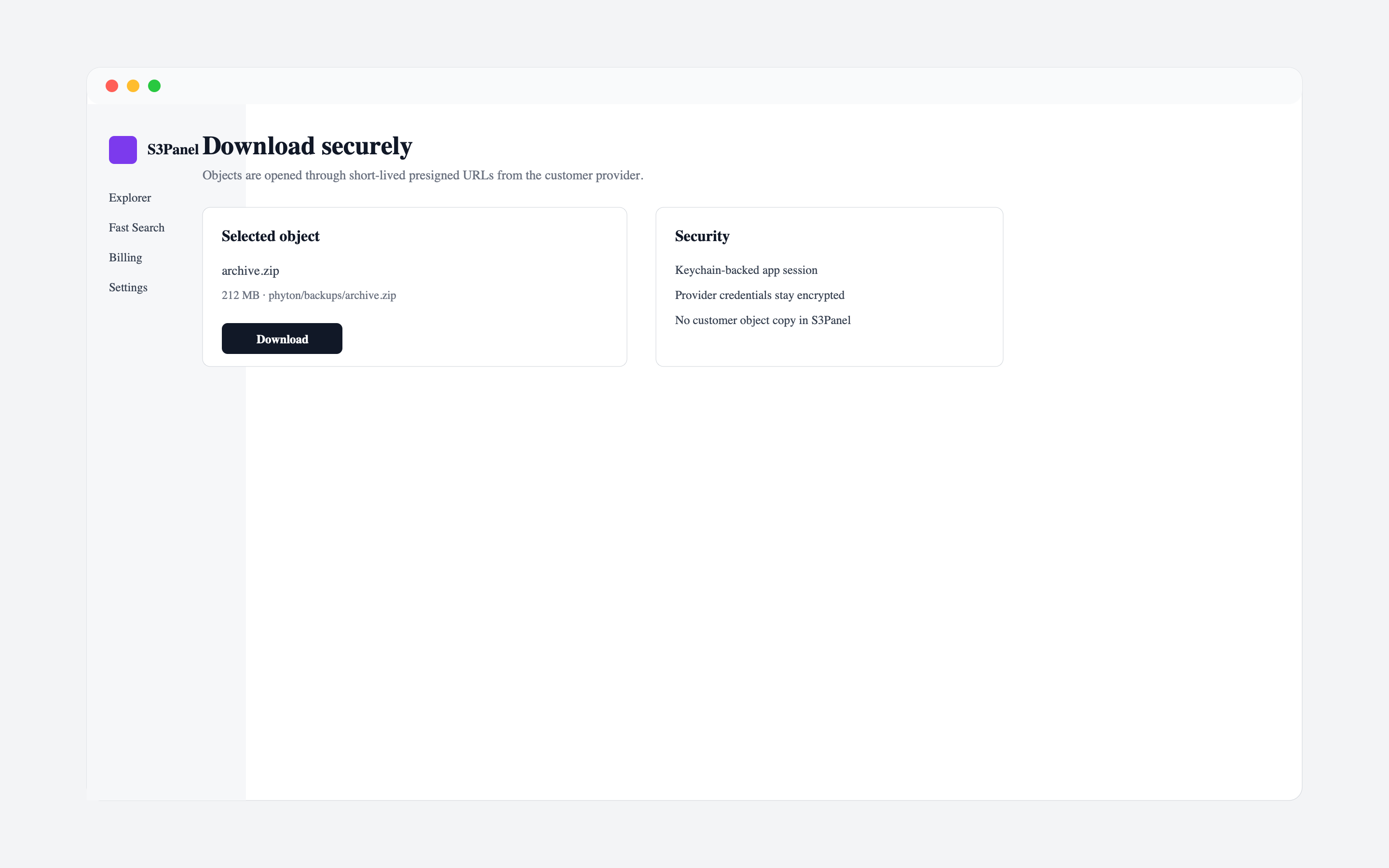
When a customer or partner needs one file, do not open the whole bucket. Create a temporary link for the selected object and set an expiration that matches the business need.
This keeps the bucket private while giving the recipient practical access.
Content type, cache control, and download behavior affect how users receive files. Check metadata on public or customer-facing objects, especially PDFs, CSV exports, videos, and archives.
S3Panel gives Backblaze B2 users a single workspace for S3-compatible browse, search, folder stats, temporary links, metadata review, and operational file actions across desktop and web workflows.
Continue with practical S3Panel guides for object storage teams.