

Security
S3 Links
The safest default for S3-compatible buckets is private access. That creates a practical question: how do you send one file to a customer, contractor, or teammate without making the whole bucket public?
The answer is a temporary presigned URL. It grants access to one object for a limited time. The file stays in your bucket, but the recipient can download it without receiving your storage credentials.
A presigned URL is a normal-looking HTTPS link with a signature and an expiration time. The storage provider checks that signature before serving the object. If the link is expired, changed, or signed for a different object, access is denied.
This makes presigned URLs useful for:
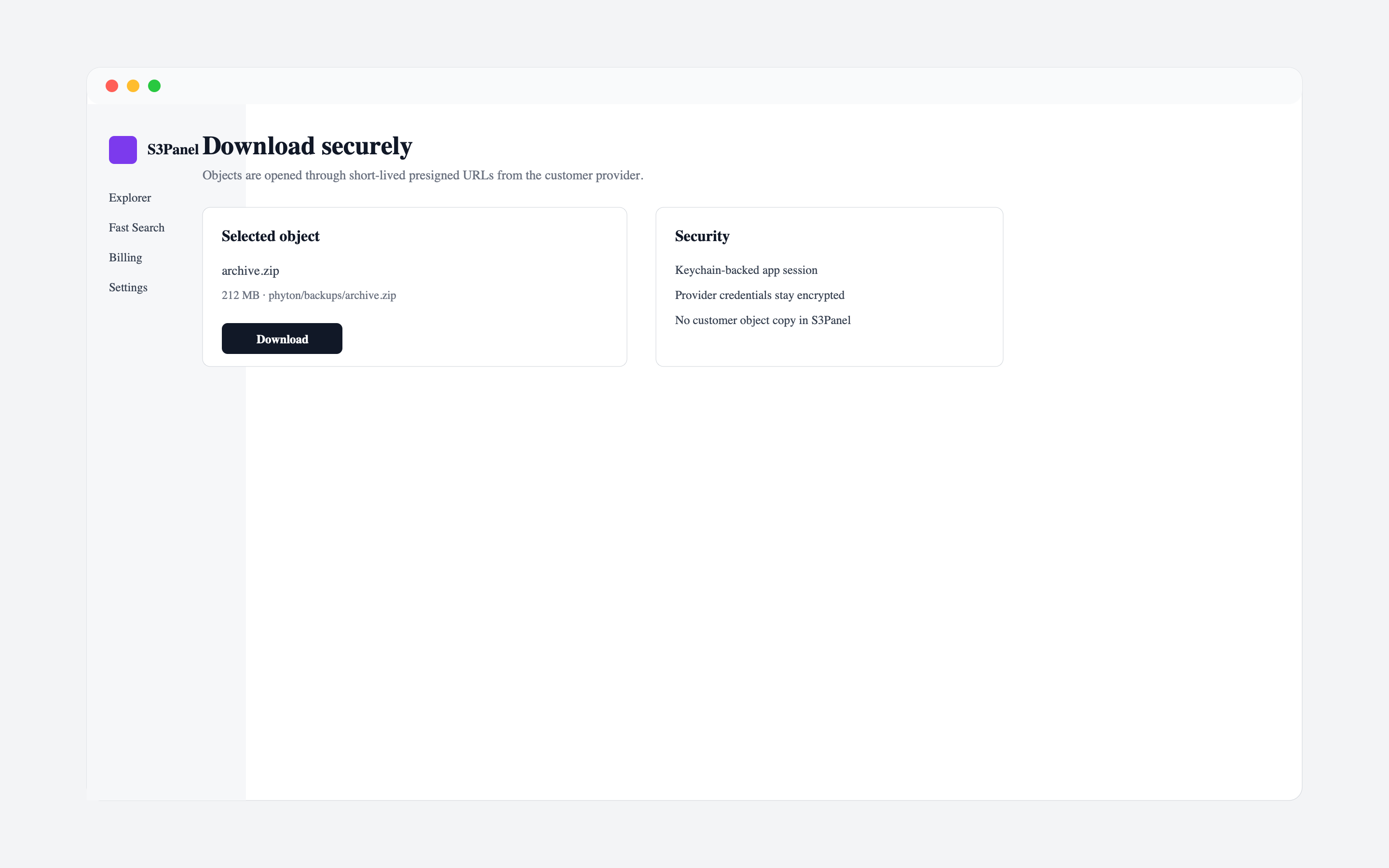
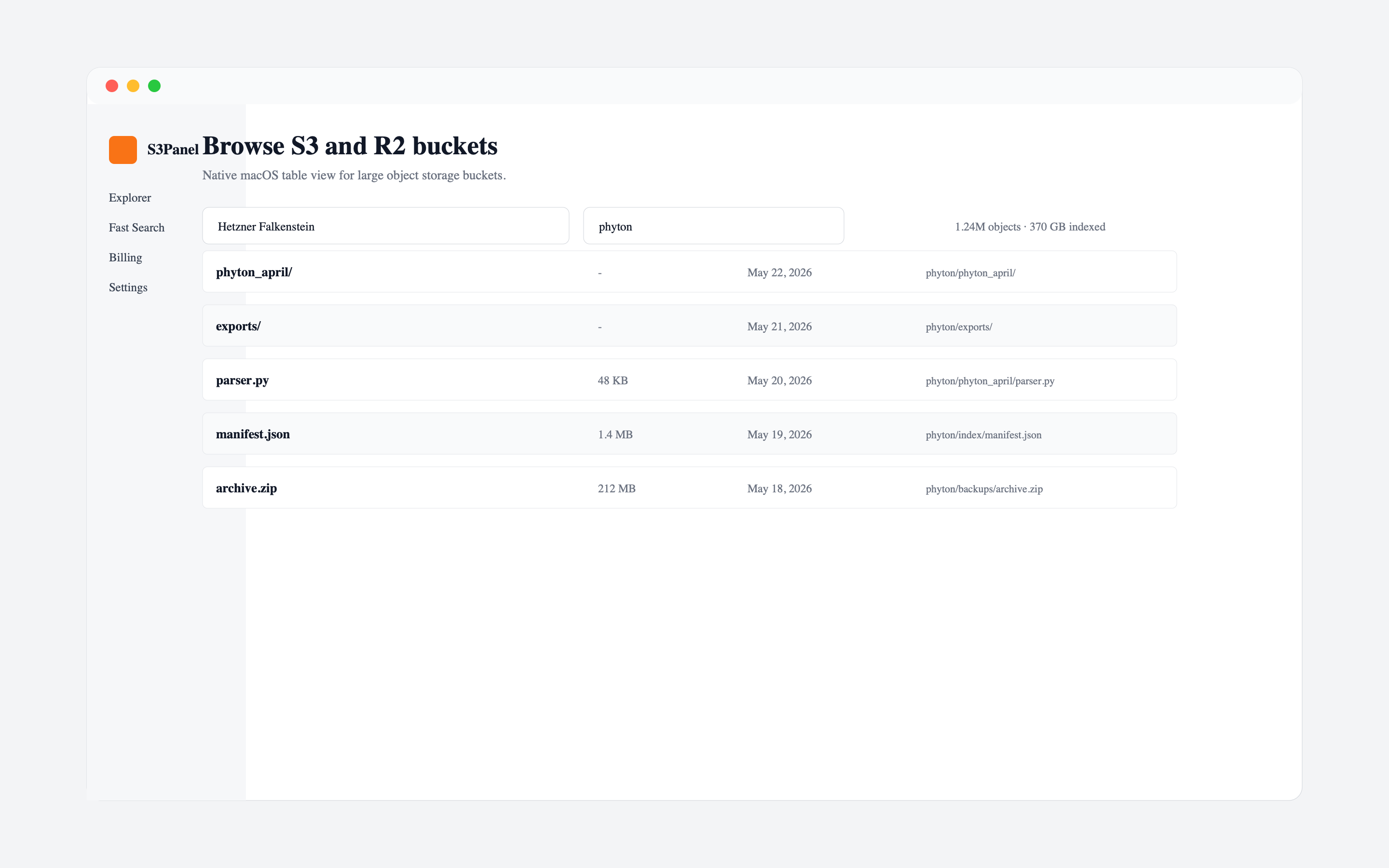
In S3Panel, choose the object you want to share, open the share action, set the expiration, and create the link. Keep expiration short when the file is sensitive. Use longer expiration only when the recipient realistically needs more time.
The important point is that you are sharing one selected object, not changing bucket-level policy.
Use a short default for sensitive data:
Avoid permanent links for private operational buckets. If a file should be permanently public, it likely belongs in a dedicated public distribution flow rather than a private bucket share.
Before sending a link, check:
The most common mistake is solving a one-file sharing problem by opening the whole bucket. The second mistake is using very long expiration times because it feels convenient. Both decisions create avoidable risk.
Temporary links work best when they are treated as operational access, not public publishing.
S3Panel puts secure sharing close to the explorer, search, transfer, and audit workflows. That means you can find the object, confirm the path, create a temporary link, and keep the bucket private without switching tools.
Continue with practical S3Panel guides for object storage teams.